

October 10, 2025
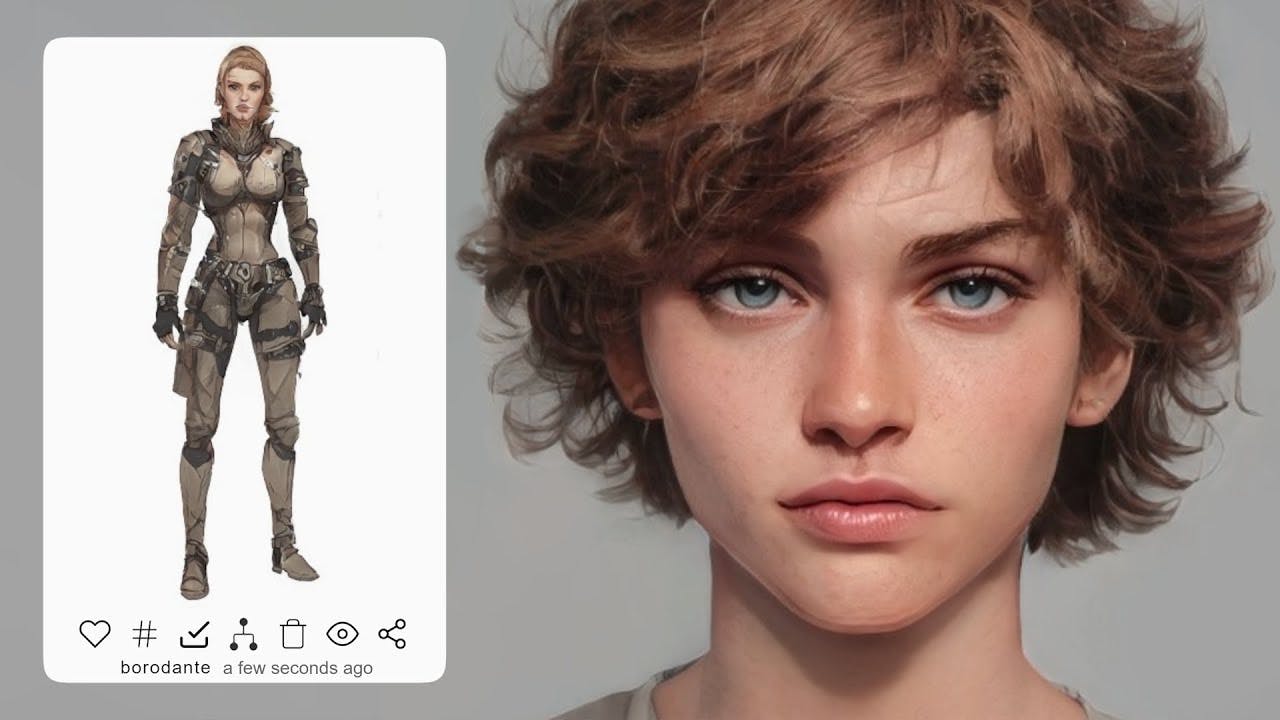
Customizing the Look of Your AI Characters in HammerAI
One of the fun things about working with AI characters is making them feel personal — not just in how they talk or think, but also in how they look. HammerAI gives you just enough visual customization to bring your characters to life without overwhelming you with options.
If you want your characters to look as good as they sound, here’s how you can customize their appearance in HammerAI.
Set a custom avatar
Every character in HammerAI can have its own avatar. This image shows up next to their dialogue in chats and makes a huge difference in how “real” they feel. You can upload your own image or choose from something you’ve generated elsewhere.
Some users go for portraits, others use anime-style art, while some keep it simple with icons. It’s totally up to you. The important thing is that the avatar fits the character’s vibe — serious, silly, mysterious, or anything in between.
Add a background image
Backgrounds aren’t just there for looks. They help set the mood of the conversation. Want a cozy tavern feel? A futuristic ship interior? A stormy forest? You can drop in a background image that plays behind your character chat, making the scene more immersive.
If you’re working on a story or roleplay session, this helps both you and your character “get into character,” so to speak.
Keep things clean or go full visual
HammerAI’s design stays out of your way unless you want it front and center. You can keep the layout minimal with just the text and avatar, or you can layer in the full visual setup with background images, character bios, and more.
The flexibility here is nice. If you’re the type who wants a distraction-free writing space, you can have that. If you’re the kind who wants to build a full mood board for every scene, you can do that too.
What about image generation?
If you’re connected to the cloud and using a model that supports it, you can also generate images right inside HammerAI. This means you can whip up a visual reference for a character or setting in seconds — and then use that as your avatar or background.
It’s not required, but it’s a cool extra if you like having visuals to match the tone of your chats or stories.
Final thoughts
Character appearance doesn’t need to be a big deal, but when done right, it adds a lot of personality and context to every conversation. Whether you’re roleplaying, writing, or just chatting with a fictional friend, a good avatar and background can go a long way.
HammerAI keeps it simple: upload what you want, keep what works, and make the world feel a little more like yours.